
Anúncios
Unlock the full potential of your smartphone by enabling 5G connectivity and experience blazing-fast internet speeds like never before.


The arrival of 5G technology has revolutionized how we connect, communicate, and consume content on our mobile devices. With download speeds up to 100 times faster than 4G and significantly reduced latency, 5G opens doors to seamless streaming, gaming, video calls, and so much more. However, many users aren’t aware that their devices may not automatically switch to 5G networks, even when available.
Whether you’re experiencing slow internet despite having a 5G-capable phone or simply want to optimize your mobile experience, this comprehensive guide will walk you through everything you need to know about enabling and maximizing 5G on your smartphone. Let’s dive into the world of next-generation connectivity! 📱
Understanding 5G Technology and Its Benefits
Before jumping into the activation process, it’s essential to understand what makes 5G such a game-changer. Fifth-generation wireless technology represents a massive leap forward from its predecessor, offering improvements that go far beyond just speed.
5G networks operate on three different spectrum bands: low-band, mid-band, and high-band (mmWave). Each offers different characteristics in terms of speed, coverage, and penetration. Low-band 5G provides wide coverage similar to 4G but with moderately improved speeds. Mid-band strikes a balance between speed and coverage, while mmWave delivers phenomenal speeds but requires line-of-sight and has limited range.
The practical benefits translate into real-world improvements. Download a full HD movie in seconds, enjoy buffer-free 4K streaming, engage in lag-free online gaming, and experience crystal-clear video conferencing. For professionals, 5G enables efficient remote work with large file transfers and cloud-based applications running smoothly.
Checking If Your Phone Supports 5G 🔍
Not all smartphones are created equal when it comes to 5G capability. Before attempting to enable 5G, you need to verify that your device actually supports this technology.
Most flagship phones released from 2020 onwards include 5G compatibility, but mid-range and budget devices may vary. Check your phone’s specifications in the settings menu under “About Phone” or “Device Information.” Look for network capabilities that mention 5G, NR (New Radio), or specific 5G bands.
Alternatively, visit the manufacturer’s official website and search for your exact model number. The specifications page will clearly indicate whether 5G is supported. Keep in mind that some phone variants sold in different regions may have different connectivity features, so verify based on your specific model.
Compatible 5G Phone Brands and Models
Major manufacturers including Samsung, Apple, Google, OnePlus, Xiaomi, Motorola, and Oppo have released numerous 5G-enabled devices. Apple introduced 5G starting with the iPhone 12 series, while Samsung has offered 5G across its Galaxy S and Galaxy A lineups.
Google’s Pixel phones from the Pixel 5 onwards support 5G, and Chinese manufacturers like Xiaomi and OnePlus have aggressively integrated 5G even into their more affordable models. Always confirm your specific model’s capabilities before proceeding.
Verifying 5G Network Availability in Your Area
Having a 5G-capable phone is only half the equation. Your mobile carrier must have deployed 5G infrastructure in your location for you to access these networks.
Contact your carrier or visit their website to check coverage maps. Most major carriers now provide interactive maps showing exactly where 5G service is available, often differentiating between different types of 5G (like 5G UC, 5G UW, or 5G+).
Urban areas typically have better 5G coverage than rural regions, though this gap is rapidly closing as carriers expand their networks. Some carriers offer 5G in specific neighborhoods or business districts before rolling out broader coverage.

How to Enable 5G on iPhone Step-by-Step 🍎
Apple makes the process of enabling 5G relatively straightforward, though the exact steps may vary slightly depending on your iOS version.
Start by opening the Settings app on your iPhone. Scroll down and tap on “Cellular” or “Mobile Data” depending on your region. If you have multiple lines, select the line you want to configure for 5G.
Tap on “Cellular Data Options” or “Mobile Data Options,” then select “Voice & Data.” Here you’ll see several options including LTE, 5G On, and 5G Auto. Choosing “5G On” forces your phone to use 5G whenever available, while “5G Auto” intelligently switches between 4G and 5G to preserve battery life.
Understanding iPhone 5G Settings
The “5G Auto” option is recommended for most users as it balances performance with battery consumption. Your iPhone will use 5G for data-intensive tasks but switch to 4G for basic activities to conserve power.
If you want maximum speed consistently and don’t mind slightly reduced battery life, select “5G On.” This setting is ideal when you’re frequently streaming, downloading large files, or gaming online.
How to Enable 5G on Android Devices 🤖
Android phones from different manufacturers may have slightly different menu structures, but the general process remains similar across devices.
Navigate to your phone’s Settings app and look for “Connections,” “Network & Internet,” or “SIM cards & mobile networks.” The exact name varies by manufacturer and Android version.
Tap on “Mobile Networks” or “Mobile Data,” then look for “Network Mode” or “Preferred Network Type.” Select this option to see available network types. Choose “5G/4G/3G/2G (Auto)” or “5G/LTE/3G/2G (Auto connect)” to enable 5G connectivity.
Brand-Specific Instructions for Popular Android Phones
Samsung Galaxy users should go to Settings > Connections > Mobile Networks > Network Mode and select 5G/LTE/3G/2G. OnePlus devices follow a similar path: Settings > Wi-Fi & Network > SIM & Network > Select your SIM > Preferred Network Type > 5G.
Google Pixel phones use Settings > Network & Internet > SIM > Preferred Network Type > 5G. Xiaomi devices typically use Settings > SIM Cards & Mobile Networks > Select SIM > Preferred Network Type > 5G Priority.
Troubleshooting Common 5G Connection Issues 🔧
Even after enabling 5G in settings, you might not see the 5G icon appear in your status bar. Several factors could be preventing your connection.
First, ensure your SIM card supports 5G. Some older SIM cards need to be replaced with 5G-compatible versions. Contact your carrier to verify if your SIM is 5G-ready and request a replacement if necessary.
Check if your mobile plan includes 5G access. Some carriers require specific plan upgrades to access 5G networks, even if your phone and SIM support it. Review your plan details or contact customer service.
Signal Strength and Network Congestion
Physical obstructions, distance from cell towers, and network congestion can all impact 5G connectivity. High-band 5G (mmWave) is particularly sensitive to obstacles like buildings, trees, and even weather conditions.
If you’re indoors and not getting 5G, try moving closer to windows or stepping outside. Network congestion during peak hours can also force your phone back to 4G temporarily. This is normal behavior designed to ensure you maintain connectivity.
Optimizing Your Phone for Best 5G Performance ⚡
Enabling 5G is just the beginning. Several optimization strategies can help you get the most out of your high-speed connection.
Keep your phone’s operating system and carrier settings updated. Manufacturers and carriers regularly release updates that improve 5G performance, fix bugs, and expand compatibility with different network configurations.
Disable VPNs temporarily when testing 5G speeds, as they can introduce latency and reduce bandwidth. While VPNs are valuable for privacy, they may bottleneck your connection during speed-sensitive activities.
Managing Battery Consumption with 5G
5G connectivity, particularly when searching for networks or using mmWave, can drain your battery faster than 4G. Use adaptive or auto settings that intelligently switch between network types based on your activity.
Enable battery optimization settings for background apps to prevent unnecessary data usage. Consider using 4G when performing basic tasks like messaging or browsing text-heavy websites, reserving 5G for bandwidth-intensive activities.
Testing Your 5G Connection Speed 📊
Once you’ve successfully enabled 5G, you’ll want to measure your actual connection speeds to ensure everything is working optimally.
Download a reliable speed testing application from your app store. Popular options include Speedtest by Ookla, FAST Speed Test, and 5GMARK. These apps measure download speed, upload speed, latency, and jitter.
Perform multiple tests at different times and locations to get an accurate picture of your 5G performance. Compare results between indoor and outdoor environments, and test during both peak and off-peak hours.
Understanding Speed Test Results
Real-world 5G speeds vary significantly based on your location, network type, and carrier. Low-band 5G typically delivers 50-250 Mbps, mid-band offers 100-900 Mbps, and mmWave can exceed 1-3 Gbps under ideal conditions.
Latency (ping) is equally important for activities like gaming and video calls. 5G typically achieves latency between 10-30 milliseconds, compared to 30-50 milliseconds for 4G. Lower latency means more responsive connections.
Comparing 5G Plans Across Different Carriers 💰
Not all 5G service is equal. Carriers offer different types of 5G networks, coverage areas, and plan structures that affect your experience and costs.
Major carriers typically offer unlimited data plans with 5G access, though they may implement deprioritization after you exceed certain thresholds. Premium plans often include benefits like HD streaming, mobile hotspot data, and priority during network congestion.
Compare what each carrier offers in your specific area. Some carriers excel in urban 5G coverage with mmWave, while others have broader mid-band coverage that extends to suburban and rural areas.
Security Considerations When Using 5G Networks 🔒
While 5G offers improved security features compared to previous generations, users should still take precautions to protect their data and privacy.
5G networks implement enhanced encryption protocols and authentication mechanisms, making them more resistant to interception and spoofing attacks. However, the security of your connection also depends on the apps and services you use.
Always use HTTPS connections when browsing, enable two-factor authentication on important accounts, and be cautious when connecting to public networks. Consider using a reputable VPN for sensitive transactions, though this may reduce your connection speed.
The Future of 5G and What to Expect 🚀
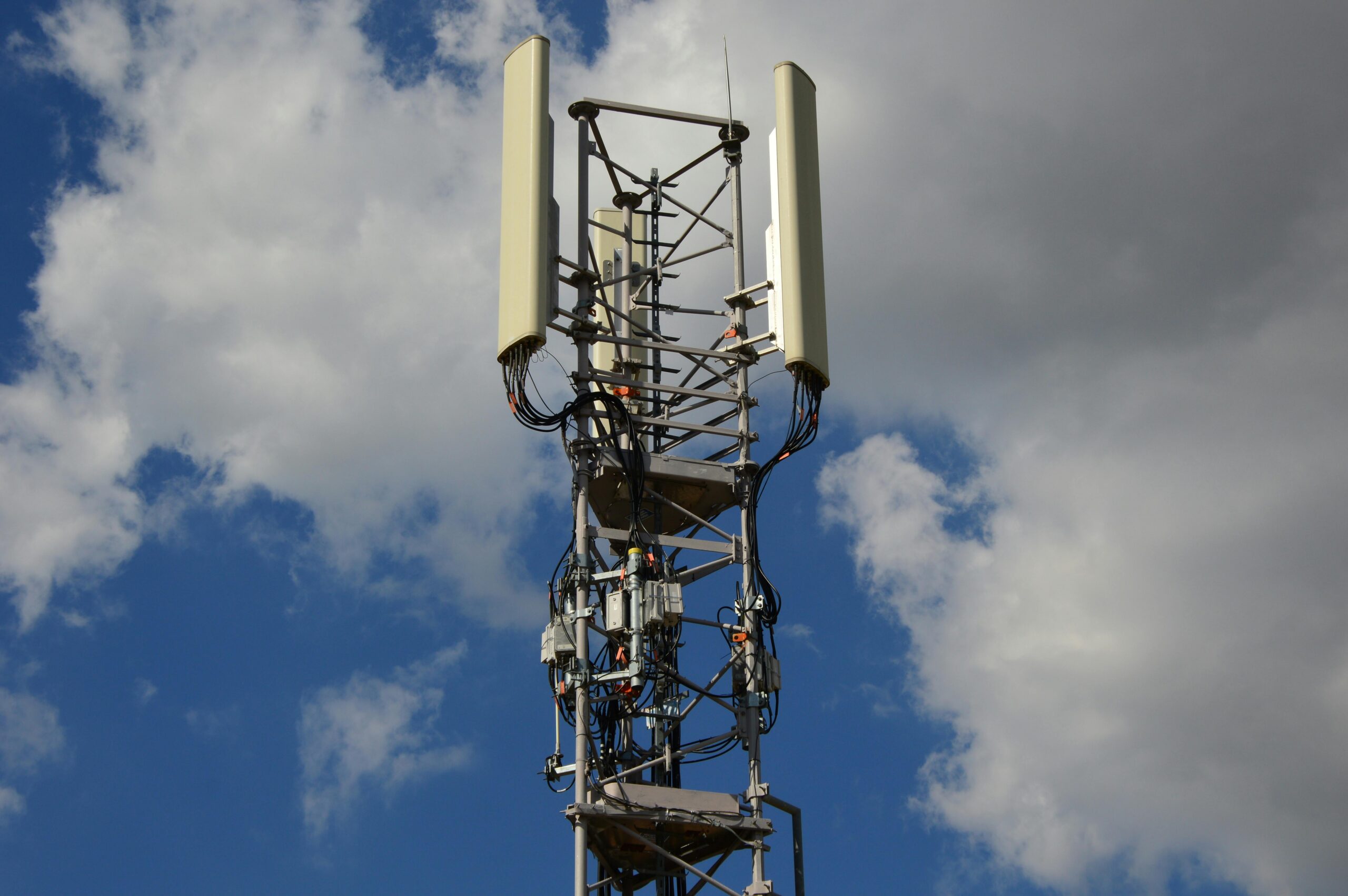
5G technology continues to evolve, with carriers expanding coverage and introducing new features that will further transform mobile connectivity.
Standalone 5G (SA) networks, which don’t rely on 4G infrastructure, are being deployed globally. These offer improved latency, better efficiency, and enable advanced features like network slicing for different applications.
Emerging applications like augmented reality, virtual reality, autonomous vehicles, and smart city infrastructure will increasingly depend on 5G’s capabilities. As a consumer, you’ll see continued improvements in speed, reliability, and coverage as the technology matures.
Maximizing Your 5G Experience Today
Now that you’ve enabled 5G on your device, take advantage of what this technology offers. Stream your favorite shows in the highest quality without buffering, enjoy seamless video calls with family and friends, and explore cloud gaming services that were previously impractical on mobile networks.
Download large apps and system updates in seconds rather than minutes, backup your photos and videos to the cloud effortlessly, and experience web browsing that feels instantaneous. The possibilities expand as more services optimize for 5G speeds and capabilities.
Remember to periodically check for software updates, monitor your data usage if you don’t have an unlimited plan, and explore your carrier’s coverage map to find the best 5G locations near you. As networks continue to improve and expand, your 5G experience will only get better over time.
Enabling 5G on your smartphone opens the door to a faster, more responsive mobile experience that keeps you connected in ways that were impossible just a few years ago. Whether you’re a power user who demands the highest speeds or simply want smoother everyday performance, 5G delivers tangible benefits that make your digital life more enjoyable and productive. 🌟
