
Anúncios
FM and AM radio on your smartphone brings traditional broadcasting into the digital age, offering free, local content and emergency information right in your pocket.


Radio broadcasting has been a cornerstone of communication for over a century, connecting people with news, music, and entertainment. While streaming services dominate modern listening habits, FM and AM radio on mobile devices continue to provide unique advantages that digital platforms cannot replicate.
Many smartphone users remain unaware that their devices may already contain the hardware necessary to receive traditional radio signals. Understanding how to access and maximize this feature can enhance your mobile experience while providing a reliable backup during emergencies. 📻
Understanding FM and AM Radio Technology on Smartphones
Most modern smartphones contain an FM radio chip embedded within their processors. These chips are included by manufacturers as part of standard components, yet many carriers and device makers choose not to activate this functionality. The chip receives radio frequencies just like a traditional radio, converting electromagnetic waves into audio signals.
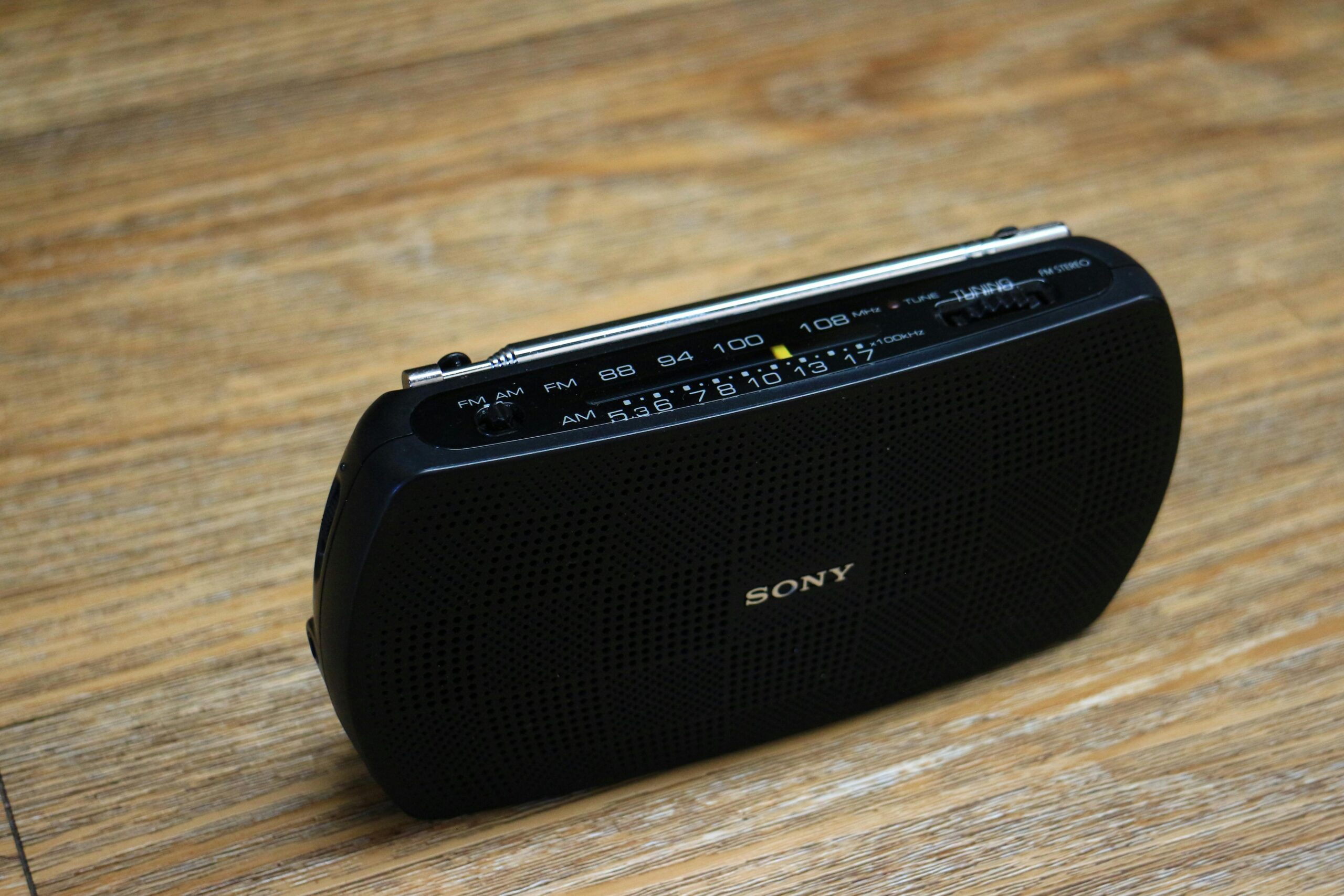
AM (Amplitude Modulation) radio operates on lower frequencies, typically between 530 and 1700 kHz, offering greater range but lower sound quality. FM (Frequency Modulation) radio broadcasts between 88 and 108 MHz, delivering superior audio clarity within shorter distances. While FM chips are more common in smartphones, AM capability remains relatively rare in mobile devices.
The hardware already present in your phone doesn’t require internet connectivity to function. This makes traditional radio broadcasting significantly more efficient than streaming, consuming no data and preserving battery life. The technology represents a perfect blend of old-school reliability and modern convenience.
Why Smartphone Manufacturers Often Disable Radio Features
Despite having the necessary hardware, many smartphone manufacturers deliberately disable FM radio functionality. This decision stems from various business considerations that prioritize streaming services and data consumption over traditional broadcasting.
Wireless carriers benefit financially when users stream audio content through data plans. Enabling FM radio would reduce data usage, potentially affecting revenue from users who exceed their monthly allowances. This creates a disincentive for carriers to support a feature that empowers consumers to access free content.
Additionally, manufacturers argue that supporting FM radio requires additional software development, testing, and customer support resources. They claim that user demand doesn’t justify these investments, particularly in markets where streaming dominates listening habits.
However, this perspective overlooks the public safety benefits of radio access. During natural disasters or network outages, FM radio provides critical emergency information when cellular networks fail. This has prompted regulatory discussions in several countries about mandating FM radio activation on all smartphones. 🚨
Checking If Your Smartphone Has Radio Capabilities
Determining whether your device supports FM or AM radio requires investigating both hardware specifications and available software. Not all phones advertise this feature prominently, even when the capability exists.
Start by examining your phone’s pre-installed apps. Look for applications labeled “Radio,” “FM Radio,” or similar names in your app drawer. If present, this indicates that your manufacturer has activated the radio chip. Connecting headphones is typically necessary, as the headphone cable functions as the radio antenna.
For devices without a pre-installed radio app, check your phone’s technical specifications online. Websites like GSMArena provide detailed hardware information, including whether an FM radio chip is present. Search for your specific model to view comprehensive specs.
Third-party applications like NextRadio (now discontinued in many regions) previously helped users access dormant FM chips. While fewer options exist today, some manufacturers like Samsung, LG, and Motorola have historically included radio functionality in select models. Recent flagship devices, however, increasingly omit this feature entirely.

Popular Radio Apps That Stream FM and AM Stations
When hardware-based radio isn’t available, streaming apps provide comprehensive access to stations worldwide. These applications deliver radio content over internet connections, offering features beyond traditional broadcasting capabilities.
TuneIn Radio stands as one of the most popular options, aggregating over 100,000 stations from around the globe. The app organizes content by location, genre, and language, making discovery effortless. Premium subscriptions remove advertisements and add on-demand content from networks like CNN and ESPN.
iHeartRadio focuses primarily on American stations, offering live broadcasts alongside podcasts and custom stations based on your music preferences. The platform includes exclusive artist radio stations and live concert broadcasts, blending traditional radio with digital innovation.
Simple Radio by Streema provides a clean interface for accessing stations without creating accounts or subscriptions. The app supports Chromecast and Android Auto, extending your listening experience beyond your smartphone. Its minimalist approach appeals to users who want straightforward radio access without extra features. 🎧
Radio Garden offers a unique visual approach, displaying a 3D globe that users spin to discover stations geographically. This gamified experience transforms station surfing into an exploration activity, perfect for discovering international broadcasts and expanding musical horizons.
The Benefits of Traditional Radio Over Streaming Services
While streaming dominates modern audio consumption, traditional FM and AM radio offers distinct advantages that remain relevant in 2024. Understanding these benefits helps users make informed decisions about their listening habits.
Data consumption represents the most immediate advantage. Streaming an hour of audio typically consumes 60-150 MB of data, depending on quality settings. For users with limited data plans or those in areas with expensive mobile data, FM radio provides unlimited listening without affecting monthly allowances.
Battery efficiency also favors traditional radio. Streaming requires constant network connectivity, processing, and data transmission—all power-intensive operations. FM radio reception demands minimal processing power, extending battery life significantly during extended listening sessions.
Local content and community connection distinguish broadcast radio from algorithm-driven streaming. Local stations provide region-specific news, weather, traffic updates, and community announcements that streaming services cannot replicate. This hyperlocal focus creates meaningful connections between listeners and their communities.
Emergency preparedness might be radio’s most compelling advantage. During hurricanes, earthquakes, or other disasters that disable cellular networks, FM radio continues broadcasting when internet services fail. Emergency management agencies rely on radio to disseminate critical information when other communication channels collapse. 🌪️
How to Maximize Your Mobile Radio Experience
Whether using hardware-based FM radio or streaming apps, several strategies enhance your listening experience and overcome common challenges associated with mobile radio consumption.
For hardware-based FM radio, antenna quality dramatically affects reception. Since headphone cables serve as antennas, using longer cables or those with better shielding improves signal strength. Some users report success with specific headphone models that provide superior antenna performance.
Positioning matters significantly for radio reception. Moving near windows, stepping outside, or changing orientation can dramatically improve signal quality in areas with weak reception. Metal structures and electronic devices sometimes interfere with signals, so experimenting with location yields better results.
When streaming radio apps, download offline content when available. Some apps allow caching recent broadcasts or saving specific programs for offline listening. This reduces data consumption and enables listening during connectivity gaps like subway commutes or flights.
Customize notification settings to prevent interruptions during broadcasts. Many radio apps continue playing when you switch to other applications, but notification sounds or calls can disrupt playback. Adjusting system settings ensures uninterrupted listening during important broadcasts or favorite programs.
Optimizing Audio Quality Settings
Most streaming radio apps offer audio quality adjustments that balance sound fidelity with data consumption. Understanding these settings helps tailor your experience to current circumstances and priorities.
High-quality streams typically broadcast at 128-320 kbps, delivering excellent sound but consuming more data and battery power. These settings suit Wi-Fi listening or users with unlimited data plans who prioritize audio quality above other considerations.
Standard quality streams around 64-96 kbps provide acceptable sound while conserving data. This middle ground works well for talk radio, news broadcasts, and situations where pristine audio quality matters less than content accessibility.
Low-quality options at 32-48 kbps minimize data usage for users with strict bandwidth limitations. While audio quality suffers, spoken content remains intelligible, making this suitable for news, sports commentary, or informational programming. 📊
Regional Differences in Mobile Radio Availability
FM radio accessibility on smartphones varies significantly across different regions, reflecting diverse regulatory environments, market conditions, and consumer expectations worldwide.
In the United States, advocacy groups like the National Association of Broadcasters have campaigned for universal FM chip activation. Some manufacturers, including Samsung and LG, have responded by enabling FM radio on specific models sold through certain carriers. However, Apple has consistently refused to activate FM capabilities in iPhones, citing design priorities.
European markets show greater FM radio support, particularly in countries like Germany, France, and the United Kingdom. European manufacturers often include activated FM chips as standard features, recognizing consumer demand for this functionality. Regulatory frameworks also encourage radio access as part of emergency preparedness initiatives.
Asian markets present mixed scenarios. In India, FM radio remains hugely popular, and many budget and mid-range smartphones include active FM functionality. Chinese manufacturers like Xiaomi and Oppo frequently incorporate FM radio in devices sold domestically and in emerging markets.
Latin American countries generally support FM radio on mobile devices, recognizing its importance for communities with limited internet infrastructure. Radio broadcasting remains a primary information source in rural areas, making smartphone radio access particularly valuable. 🌎
The Future of Mobile Radio Technology
As smartphones evolve and broadcasting technology advances, the relationship between mobile devices and traditional radio continues transforming in unexpected ways.
Digital radio standards like DAB (Digital Audio Broadcasting) and HD Radio offer improved sound quality and additional data services beyond traditional FM. Some European smartphones now include DAB+ receivers, providing access to digital broadcasts with CD-quality audio and visual information displays.
Hybrid radio systems combine internet connectivity with broadcast signals, enabling features like pause, rewind, and program information while maintaining the efficiency of over-the-air transmission. These technologies represent potential middle ground between pure streaming and traditional broadcasting.
5G networks may paradoxically revive interest in broadcast-style content delivery. Technologies like 5G Broadcast enable efficient one-to-many transmission similar to traditional radio but with digital flexibility. This could deliver radio-like services through cellular infrastructure without individual data streams for each listener.
However, the trend toward removing headphone jacks from smartphones challenges FM radio’s future. Since headphone cables serve as FM antennas, wireless-only devices face technical barriers to receiving broadcast signals. Some manufacturers have developed alternative antenna solutions, but widespread implementation remains uncertain. 🔮
Troubleshooting Common Mobile Radio Issues
Users frequently encounter specific problems when accessing FM radio or streaming stations on smartphones. Understanding common issues and their solutions ensures more reliable radio access.
Poor FM reception typically stems from inadequate antenna performance. Ensure headphones are fully inserted into the jack, as partial connections reduce antenna effectiveness. Try different headphone models, as cable quality significantly impacts reception. Moving to different locations, particularly near windows or outdoors, often resolves weak signal problems.
Streaming interruptions usually indicate connectivity issues rather than app problems. Check your network signal strength and switch between Wi-Fi and mobile data to identify the stronger connection. Closing background applications frees resources that might interfere with smooth streaming performance.
App crashes or failure to launch often result from outdated software. Ensure both the radio app and your device’s operating system are updated to the latest versions. Clearing the app’s cache through system settings resolves many performance issues without losing saved stations or preferences.
Audio quality problems during streaming may reflect bandwidth limitations. Lower the quality setting within the app to match your current connection speed. If problems persist across multiple apps, your internet service provider may be throttling audio streams during peak usage periods.
When Radio Apps Won’t Find Stations
Station discovery failures frustrate users who expect instant access to broadcasts. These issues typically involve location services, database updates, or regional restrictions.
Enable location permissions for radio apps, as many use geographic data to recommend nearby stations. Without location access, apps cannot effectively filter relevant broadcasts from their global databases. Check privacy settings to ensure the radio app has appropriate permissions.
Update the app regularly, as station databases change frequently. Broadcasters modify frequencies, rebrand, or cease operations, requiring apps to maintain current listings. Developers release updates to reflect these changes, so running outdated versions results in broken links and missing stations.
Regional licensing restrictions sometimes prevent access to certain stations outside their broadcast areas. This particularly affects premium content and sports broadcasts with geographic limitations. Using VPN services may bypass these restrictions, though doing so might violate service terms. ⚙️
Privacy Considerations With Radio Apps
While traditional FM radio offers complete anonymity, streaming radio apps collect varying amounts of user data. Understanding privacy implications helps users make informed choices about which applications to trust.
Hardware-based FM radio provides maximum privacy since reception occurs passively without transmitting any information. Broadcasters cannot identify listeners or track listening habits, offering true anonymity in an era of pervasive digital surveillance.
Streaming apps, however, necessarily collect some data to function. At minimum, they log IP addresses to deliver content streams. Many apps track listening habits to recommend stations, generate usage statistics, and serve targeted advertisements.
Review privacy policies before installing radio apps, paying attention to what data gets collected, how it’s used, and whether it’s shared with third parties. Some applications sell listening data to advertisers or analytics companies, creating detailed profiles of user preferences and behaviors.
Choose apps from reputable developers with transparent privacy practices. Open-source radio apps often provide greater privacy protection since their code can be independently audited. Avoiding apps that request excessive permissions unrelated to radio functionality reduces unnecessary data exposure. 🔒
Making Radio Discovery More Engaging
Finding new stations and content represents one of radio’s enduring pleasures. Modern apps enhance discovery through features that traditional dial-turning cannot match.
Genre-based browsing organizes stations by musical style, talk format, or content type. This categorical approach helps users quickly locate stations matching their current mood or interests without randomly sampling frequencies hoping to find relevant content.
Recommendation algorithms in advanced radio apps learn from your listening history, suggesting stations with similar content or complementary programming. While this mirrors streaming service approaches, it helps navigate the overwhelming number of available radio stations worldwide.
Social features allow users to share favorite stations with friends or discover what others in their network are enjoying. Some apps include community ratings and reviews, providing crowd-sourced quality indicators for unfamiliar stations.
Scheduled recording features in certain apps enable capturing broadcasts for later listening. This time-shifting capability brings DVR-like functionality to radio, perfect for following programs that air during inconvenient hours. Combined with cloud storage, recordings become accessible across multiple devices. 🎙️
Integrating Radio With Connected Devices
Modern ecosystems extend smartphone radio beyond the device itself, creating seamless listening experiences across home, car, and portable environments.
Bluetooth connectivity allows streaming radio apps to connect with wireless speakers, headphones, and car audio systems. This wireless flexibility eliminates cable constraints while maintaining simple operation through familiar smartphone interfaces.
Android Auto and Apple CarPlay integration brings radio apps to vehicle infotainment systems. Voice commands enable station changing and searching without touching your phone, improving safety during driving. Large dashboard displays show station information more clearly than smartphone screens.
Smart home speakers from Google, Amazon, and Apple can play radio streams through voice commands or smartphone app control. Asking your voice assistant to play specific stations creates hands-free experiences throughout your home, with audio quality superior to smartphone speakers.
Chromecast and AirPlay support lets users cast radio streams to televisions and home theater systems. This transforms radio into a multi-room audio experience, with synchronized playback across compatible devices creating whole-home audio environments. 🏠
Whether you’re accessing traditional FM broadcasts through your smartphone’s hardware or streaming global stations via dedicated apps, mobile radio technology offers remarkable convenience and versatility. The continued presence of radio chips in smartphones preserves connection to this resilient broadcasting medium, while streaming apps expand access far beyond local signal ranges. Understanding both options, their respective advantages, and how to optimize your experience ensures you’ll stay informed, entertained, and connected regardless of circumstances. From emergency preparedness to discovering obscure international broadcasts, FM and AM radio on your cellphone represents a powerful tool that bridges analog reliability with digital innovation.
