
Anúncios
5G connectivity is transforming how we use smartphones, offering blazing-fast speeds and seamless streaming experiences that redefine mobile technology.


The arrival of 5G networks has created excitement among tech enthusiasts and everyday users alike. However, many smartphone owners aren’t fully utilizing this cutting-edge technology because their devices haven’t been properly configured or optimized for 5G connectivity.
Whether you’re experiencing slow data speeds, inconsistent network performance, or simply can’t find the 5G option in your settings, this comprehensive guide will walk you through everything you need to know about unlocking and optimizing 5G on your mobile device.
🔍 Understanding 5G Technology and Its Benefits
Fifth-generation wireless technology represents a quantum leap forward from previous network standards. Unlike 4G LTE, which revolutionized mobile internet in the early 2010s, 5G delivers substantially faster download and upload speeds, dramatically reduced latency, and the capacity to connect significantly more devices simultaneously.
The practical benefits extend far beyond simple speed improvements. With 5G, you can download full HD movies in seconds, enjoy buffer-free 4K video streaming, participate in high-quality video conferences without lag, and experience cloud gaming with minimal delay. The technology also enables emerging applications like augmented reality experiences, real-time collaboration tools, and advanced IoT connectivity.
Network carriers have been steadily expanding 5G coverage across urban centers and increasingly in suburban areas. However, the quality and type of 5G connection can vary significantly depending on your location and carrier infrastructure.
📱 Checking If Your Device Supports 5G Connectivity
Before attempting to enable 5G on your smartphone, you need to verify that your device actually supports this technology. Not all phones are 5G-capable, and the specific 5G bands supported can vary between models and regions.
For iPhone users, 5G capability began with the iPhone 12 series released in late 2020. This includes the iPhone 12, 12 Mini, 12 Pro, and 12 Pro Max, as well as all subsequent models including the iPhone 13, 14, and 15 series. To check your iPhone model, navigate to Settings > General > About and look for the Model Name.
Android device compatibility varies widely across manufacturers. Premium flagship devices from Samsung, Google, OnePlus, Xiaomi, and other major brands released from 2020 onward generally include 5G support. However, budget and mid-range models may still use 4G-only chipsets.
To verify 5G support on Android devices, check your phone’s specifications in the user manual, on the manufacturer’s website, or by going to Settings > About Phone > SIM Status. If you see options for 5G network modes, your device likely supports the technology.
🔧 Enabling 5G on iPhone Devices
Apple has made enabling 5G relatively straightforward on compatible iPhone models, though the exact steps and available options may vary slightly depending on your iOS version and carrier.
Start by opening the Settings app and tapping on “Cellular” or “Mobile Data” depending on your region. Select “Cellular Data Options” and then tap on “Voice & Data.” Here you’ll find several network mode options.
Apple provides three distinct 5G modes on most carriers:
- 5G Auto: This intelligent mode switches between 5G and LTE automatically based on network conditions and battery considerations, optimizing for efficiency
- 5G On: Forces your iPhone to use 5G whenever available, providing maximum speed but potentially reducing battery life
- LTE: Disables 5G entirely and keeps your device on 4G networks
For most users, the “5G Auto” setting provides the best balance between performance and battery conservation. However, if you need maximum speeds for downloading large files or streaming high-quality content, switching to “5G On” will ensure your device prioritizes 5G connectivity.
Some carriers also offer an additional “Data Mode” setting in the same menu, allowing you to choose between “Allow More Data on 5G,” “Standard,” or “Low Data Mode,” giving you granular control over how your device uses 5G networks.
⚙️ Activating 5G on Android Smartphones
Android devices offer various paths to enable 5G depending on the manufacturer’s custom interface and Android version. While the specific menu locations may differ, the general process remains similar across most devices.
Begin by opening the Settings app and navigating to “Network & Internet” or “Connections” depending on your device. Tap on “Mobile Network” or “SIM Card & Mobile Data.” Look for an option labeled “Preferred Network Type,” “Network Mode,” or something similar.
In this menu, you should see several options including 2G, 3G, 4G/LTE, and 5G combinations. Select the option that includes 5G—commonly displayed as “5G/4G/3G/2G (Auto)” or “5G/LTE/3G/2G (Auto Connect).” This setting allows your device to automatically connect to the best available network, prioritizing 5G when in range.

Some Samsung devices offer additional configuration through the “Network Mode” settings, where you can choose specific 5G options like “5G/LTE/3G/2G” or force 5G-only mode for testing purposes. Google Pixel phones typically place these settings under “Network & Internet > SIMs > Preferred Network Type.”
If you cannot locate these options in your settings menu, your device may not support 5G, or your carrier may have disabled these settings through software restrictions. In such cases, contacting your carrier’s customer support can provide clarity.
📡 Ensuring Your SIM Card Supports 5G Networks
Having a 5G-capable phone isn’t sufficient on its own—your SIM card must also support 5G connectivity. Older SIM cards issued before 5G rollout may not be provisioned for the new network technology, even if your device and plan support it.
Most carriers have transitioned to 5G-compatible SIM cards, but if you’ve been using the same SIM for several years, it might need replacement. Modern 5G SIMs often include enhanced security features and improved network authentication protocols designed specifically for next-generation networks.
Contact your mobile carrier to verify whether your current SIM card supports 5G. Many carriers offer free SIM replacement for customers with 5G-capable devices and compatible plans. The replacement process typically takes only a few minutes at a carrier store or can be completed through mail delivery.
Some carriers now offer eSIM (embedded SIM) options for 5G connectivity, which eliminates the need for physical SIM cards entirely. If your device supports eSIM technology, this can be an excellent alternative that simplifies switching between carriers and managing multiple lines.
💳 Verifying Your Mobile Plan Includes 5G Access
Even with a 5G phone and compatible SIM, you won’t access 5G networks unless your mobile plan specifically includes 5G service. Not all data plans automatically grant 5G access—some carriers position it as a premium feature requiring plan upgrades.
Review your current plan details through your carrier’s app, website, or by calling customer service. Look for explicit mentions of 5G access in your plan description. Some carriers include 5G at no additional cost across all their plans, while others reserve it for premium or unlimited data packages.
If your plan doesn’t include 5G, evaluate whether upgrading makes financial sense. Consider your typical data usage patterns, the availability of 5G coverage in areas you frequently visit, and whether the performance improvements justify any additional monthly costs.
Many carriers periodically offer promotional plan upgrades that include 5G access at discounted rates. Checking for these promotions or negotiating with customer retention departments can sometimes secure 5G access without significant cost increases.
🗺️ Understanding 5G Coverage in Your Area
Successfully enabling 5G settings on your device doesn’t guarantee you’ll actually connect to 5G networks. Coverage remains inconsistent across many regions, with significant variations between urban, suburban, and rural areas.
Major carriers provide coverage maps on their websites showing 5G availability by location. These maps typically distinguish between different types of 5G—low-band, mid-band, and high-band (mmWave)—each offering different performance characteristics and coverage patterns.
Low-band 5G provides widespread coverage similar to 4G LTE but with moderately improved speeds. Mid-band 5G offers a balance between coverage and performance, delivering substantial speed improvements over larger areas. High-band mmWave 5G provides extraordinary speeds but extremely limited range, typically confined to dense urban areas and specific venues.
Testing 5G connectivity in your most frequented locations helps set realistic expectations. You might have excellent 5G access at home and work but find coverage spotty during your commute or in suburban shopping areas.
🔄 Troubleshooting Common 5G Connection Issues
After enabling 5G on your device, you might encounter connectivity problems or find that your phone isn’t connecting to 5G networks as expected. Several troubleshooting steps can resolve common issues.
Start by restarting your device completely. This simple action refreshes network connections and can resolve temporary glitches preventing 5G connectivity. After restarting, check whether the 5G indicator appears in your status bar.
If problems persist, toggle Airplane Mode on for ten seconds, then turn it off. This forces your device to reconnect to cellular networks and can help establish a fresh 5G connection.
Verify that your carrier settings are up to date. On iPhones, go to Settings > General > About, and if a carrier update is available, you’ll see a prompt to install it. On Android devices, carrier updates typically install automatically, but checking for system updates in Settings > System > System Update ensures you have the latest software.
Network settings sometimes become corrupted, preventing proper 5G connectivity. Resetting network settings can resolve these issues, though you’ll need to re-enter WiFi passwords afterward. On iPhones, navigate to Settings > General > Transfer or Reset iPhone > Reset > Reset Network Settings. On Android devices, find this option under Settings > System > Reset Options > Reset WiFi, Mobile & Bluetooth.
🔋 Managing Battery Life with 5G Enabled
One frequently reported concern about 5G connectivity involves increased battery consumption. The technology does require more power than 4G LTE, particularly in areas with marginal 5G coverage where your device constantly searches for stronger signals.
Understanding how different 5G modes affect battery life helps you make informed decisions about when to prioritize speed versus longevity. Constantly maintaining 5G connections, especially on mmWave networks, can noticeably reduce battery endurance compared to LTE-only operation.
iPhone users benefit from the “5G Auto” mode, which intelligently switches between 5G and LTE based on network conditions and application demands. This adaptive approach significantly reduces battery impact while still providing 5G speeds when beneficial.
Android users can manually switch to LTE-only mode during situations requiring extended battery life, such as long days away from chargers or when 5G coverage is known to be poor. Quickly accessing network settings through quick settings tiles or notification shortcuts makes toggling between modes convenient.
Additional battery-saving strategies include reducing screen brightness, closing unnecessary background apps, and disabling location services when not needed. Combining these practices with smart 5G usage helps maintain reasonable battery life while still enjoying next-generation network capabilities.
📊 Testing Your 5G Speed and Performance
After successfully enabling 5G, testing your actual connection speeds confirms whether you’re receiving the performance benefits this technology promises. Speed test applications provide detailed metrics about your network performance.
Popular speed testing apps measure download speeds, upload speeds, latency (ping), and jitter. Running tests in various locations throughout your day reveals where 5G provides significant advantages and where coverage remains limited.
When conducting speed tests, ensure you’re connected to mobile data rather than WiFi, and verify that the 5G indicator appears in your status bar. Run multiple tests at different times of day, as network congestion can significantly impact performance during peak usage periods.
Realistic 5G speeds vary dramatically depending on the type of 5G connection. Low-band 5G typically delivers 50-250 Mbps, mid-band 5G often reaches 400-900 Mbps, while mmWave 5G can theoretically exceed 2-4 Gbps in ideal conditions, though real-world performance is usually lower.
Comparing your 5G results with previous 4G LTE speeds from the same locations provides meaningful context about the actual improvements you’re experiencing. Document these findings to determine whether 5G delivers tangible benefits in your typical usage scenarios.
🌐 Maximizing Your 5G Experience
Beyond simply enabling 5G, optimizing how you use this technology ensures you extract maximum value from your upgraded connectivity. Several strategies help you leverage 5G capabilities more effectively.
Download large files, software updates, and high-definition content when connected to 5G networks rather than waiting until you’re on WiFi. The superior speeds make previously time-consuming downloads complete in seconds or minutes rather than hours.
Streaming services automatically adjust video quality based on connection speed. With 5G enabled, platforms like Netflix, YouTube, and Disney+ will deliver 4K or even 8K resolution when available, providing dramatically sharper viewing experiences on compatible devices.
Cloud gaming services such as Xbox Cloud Gaming, GeForce NOW, and PlayStation Remote Play perform significantly better over 5G connections. The reduced latency and increased bandwidth minimize lag and improve responsiveness, making mobile gaming experiences comparable to playing on dedicated consoles.
Video conferencing applications benefit substantially from 5G connectivity. Zoom, Microsoft Teams, and Google Meet deliver clearer video, crisper audio, and more reliable connections, reducing the frustration of dropped calls or frozen screens during important meetings.
🔐 Privacy and Security Considerations with 5G
While 5G offers impressive performance advantages, understanding the security implications helps protect your personal information and digital privacy. The technology introduces new security protocols alongside potential vulnerabilities.
5G networks incorporate enhanced encryption standards compared to previous generations, making intercepting communications more difficult for unauthorized parties. The authentication mechanisms have also been strengthened to prevent SIM cloning and unauthorized network access.
However, the proliferation of 5G-connected devices increases the overall attack surface for potential security threats. Ensuring your device operating system remains updated with the latest security patches protects against known vulnerabilities that could be exploited over 5G connections.
When using 5G for sensitive transactions or accessing confidential information, consider using a reputable VPN service for an additional encryption layer. While 5G itself provides strong security, VPNs add privacy by masking your internet activity from your carrier and potential observers.
Be mindful of connecting to unfamiliar networks or “fake” 5G signals that malicious actors might establish. Stick to your verified carrier connection and avoid accepting unusual network authentication requests that could compromise your device security.
🚀 The Future of 5G Technology
The 5G networks currently available represent only the beginning of this technology’s potential. Ongoing developments promise even more impressive capabilities as infrastructure expands and standards evolve.
Network slicing—a advanced 5G feature still being deployed—will allow carriers to create virtual networks optimized for specific applications. This means your streaming video, online gaming, and video calls could each run on dedicated network slices tuned for their unique requirements.
Edge computing integration with 5G networks will process data closer to users rather than in distant data centers. This architectural shift will further reduce latency for applications requiring real-time responsiveness, from autonomous vehicles to remote surgery.
As 5G coverage continues expanding into rural and remote areas, the digital divide will narrow, bringing high-speed internet access to communities previously underserved by broadband infrastructure. This democratization of connectivity holds transformative potential for education, healthcare, and economic opportunity.
Device manufacturers continue developing more power-efficient 5G chipsets that reduce battery consumption while maintaining high performance. Future smartphones will offer substantially longer battery life even with 5G constantly enabled, eliminating current trade-offs between speed and endurance.
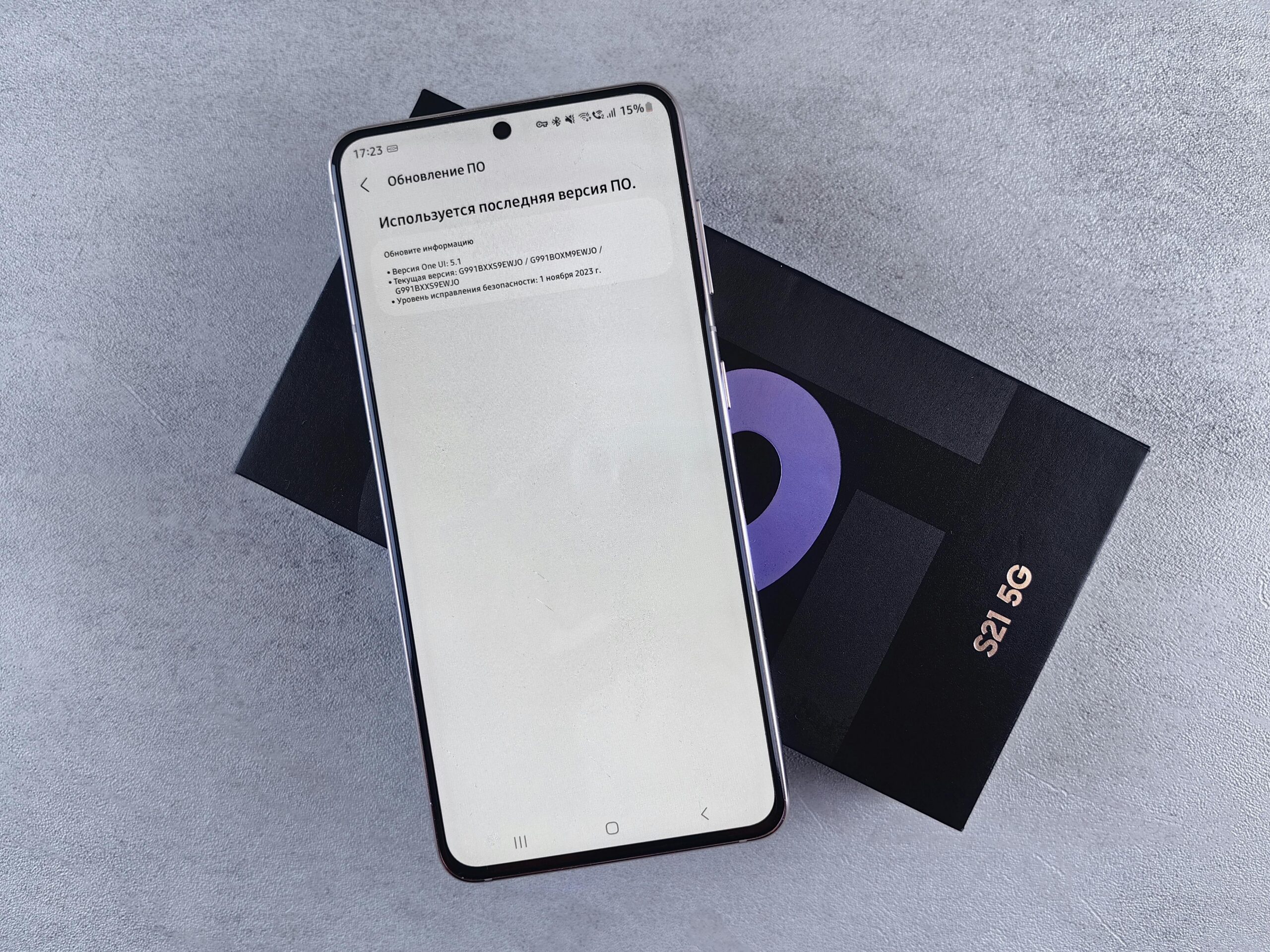
✨ Making the Most of Your 5G Connection
Unlocking 5G on your smartphone opens doors to faster, more responsive mobile experiences that redefine what’s possible with cellular connectivity. By following the configuration steps appropriate for your device, verifying carrier support, and optimizing your usage patterns, you can fully harness this transformative technology.
Remember that 5G adoption is an ongoing journey rather than a single destination. Coverage continues expanding, networks keep improving, and new applications leveraging 5G capabilities emerge regularly. Staying informed about developments from your carrier and taking advantage of new features as they roll out ensures you remain at the forefront of mobile connectivity.
Whether you’re streaming entertainment, working remotely, gaming on the go, or simply browsing the web, 5G delivers the speed and reliability that modern mobile lifestyles demand. Take the time to properly configure your device, understand your plan’s capabilities, and explore the possibilities that next-generation wireless technology brings to your digital life.
