
Anúncios
Unlocking 5G on your smartphone opens the door to blazing-fast internet speeds, smoother streaming, and enhanced connectivity that transforms your mobile experience.


The rollout of 5G technology has revolutionized mobile connectivity worldwide. With download speeds that can reach up to 10 Gbps and latency as low as 1 millisecond, 5G represents a quantum leap from its predecessor. However, many smartphone users remain unaware that their devices might not be utilizing 5G by default, even when they’re in coverage areas.
Whether you’ve recently upgraded to a 5G-capable device or you’re simply looking to maximize your existing smartphone’s potential, understanding how to enable and optimize 5G connectivity is essential. This comprehensive guide will walk you through everything you need to know about activating 5G on your mobile device, troubleshooting common issues, and ensuring you’re getting the most from this cutting-edge technology.
🔍 Understanding 5G Technology and Your Device Compatibility
Before diving into activation steps, it’s crucial to verify that your smartphone actually supports 5G connectivity. Not all devices are created equal, and 5G capability varies significantly across different models and manufacturers.
Most smartphones released after 2020 include some form of 5G support, but there are different types of 5G networks. Low-band 5G offers wider coverage but speeds similar to advanced 4G, mid-band provides a balance of speed and coverage, while millimeter-wave (mmWave) delivers the fastest speeds but with limited range and penetration.
To determine if your device supports 5G, check your phone’s specifications in the settings menu or on the manufacturer’s website. Look for mentions of 5G, sub-6GHz, or mmWave capabilities. Popular 5G-enabled devices include the iPhone 12 and newer models, Samsung Galaxy S20 series and beyond, Google Pixel 5 and later, and most flagship Android devices from 2020 onward.
📱 Step-by-Step Guide to Enable 5G on iPhone
Apple made 5G integration seamless with iOS, but the feature isn’t always enabled by default to preserve battery life. Here’s how to activate it on your iPhone:
Navigate to your Settings app and tap on “Cellular” or “Mobile Data” depending on your region. Select “Cellular Data Options” or “Mobile Data Options,” then tap on “Voice & Data.” You’ll see several options including 5G On, 5G Auto, and LTE.
The “5G On” option forces your iPhone to use 5G whenever it’s available, providing the fastest speeds but consuming more battery. The “5G Auto” setting intelligently switches between 5G and LTE based on your usage patterns, balancing performance with battery life. This is Apple’s recommended setting for most users.
If you’re experiencing connectivity issues, you might also want to check the “Data Mode” setting in the same menu. Setting it to “Allow More Data on 5G” enables higher-quality video streaming and FaceTime calls when connected to 5G networks.
🤖 Activating 5G on Android Devices
Android devices vary slightly in their settings menus depending on the manufacturer, but the general process remains similar across most brands. Samsung, OnePlus, Xiaomi, and Google Pixel devices all follow comparable paths to 5G activation.
Open your Settings app and locate “Connections” or “Network & Internet” (the exact name varies by manufacturer). Tap on “Mobile Networks” or “SIM & Network,” then look for “Network Mode” or “Preferred Network Type.” Here, you should see options that include 5G connectivity.
Select the option that mentions 5G, which might appear as “5G/LTE/3G/2G (auto connect),” “5G On,” or simply “5G.” Some devices offer additional granular controls, allowing you to specify whether you want 5G standalone (SA) or non-standalone (NSA) modes.
Samsung Galaxy Devices
Samsung users should open Settings, tap “Connections,” select “Mobile Networks,” and then choose “Network Mode.” From here, select “5G/LTE/3G/2G (auto connect)” to enable 5G functionality. Samsung devices often include a network indicator in the status bar that will display “5G” when successfully connected.
Google Pixel Phones
For Pixel devices running Android 11 or later, go to Settings, tap “Network & Internet,” select your SIM card, tap “Preferred Network Type,” and choose “5G (recommended).” Google’s implementation is particularly straightforward and designed to automatically optimize between 5G and 4G based on signal strength and battery considerations.

🌐 Verifying Your Carrier’s 5G Coverage and Plan Requirements
Having a 5G-capable phone is only half the equation. Your mobile carrier must provide 5G service in your area, and your current plan needs to include 5G access. Not all wireless plans automatically include 5G connectivity, even from major carriers.
Check your carrier’s coverage map on their website or app to confirm 5G availability in your location. Most major carriers now offer interactive maps showing their 5G coverage areas, often distinguishing between different types of 5G deployment (low-band, mid-band, and mmWave).
Contact your carrier or log into your account to verify that your plan includes 5G access. Some carriers charge premium rates for 5G-enabled plans, while others have included it in existing unlimited data packages. If your plan doesn’t include 5G, you may need to upgrade to a compatible tier.
⚡ Troubleshooting Common 5G Connection Issues
Even after enabling 5G in your settings, you might encounter situations where your phone doesn’t connect to 5G networks. Several factors can prevent successful 5G connectivity, and understanding these can help you resolve issues quickly.
One common problem is SIM card compatibility. Older SIM cards might not support 5G connectivity, even if your phone and plan do. Contact your carrier to request a 5G-compatible SIM card if yours is more than a few years old. Many carriers now offer eSIM activation, which typically includes full 5G support.
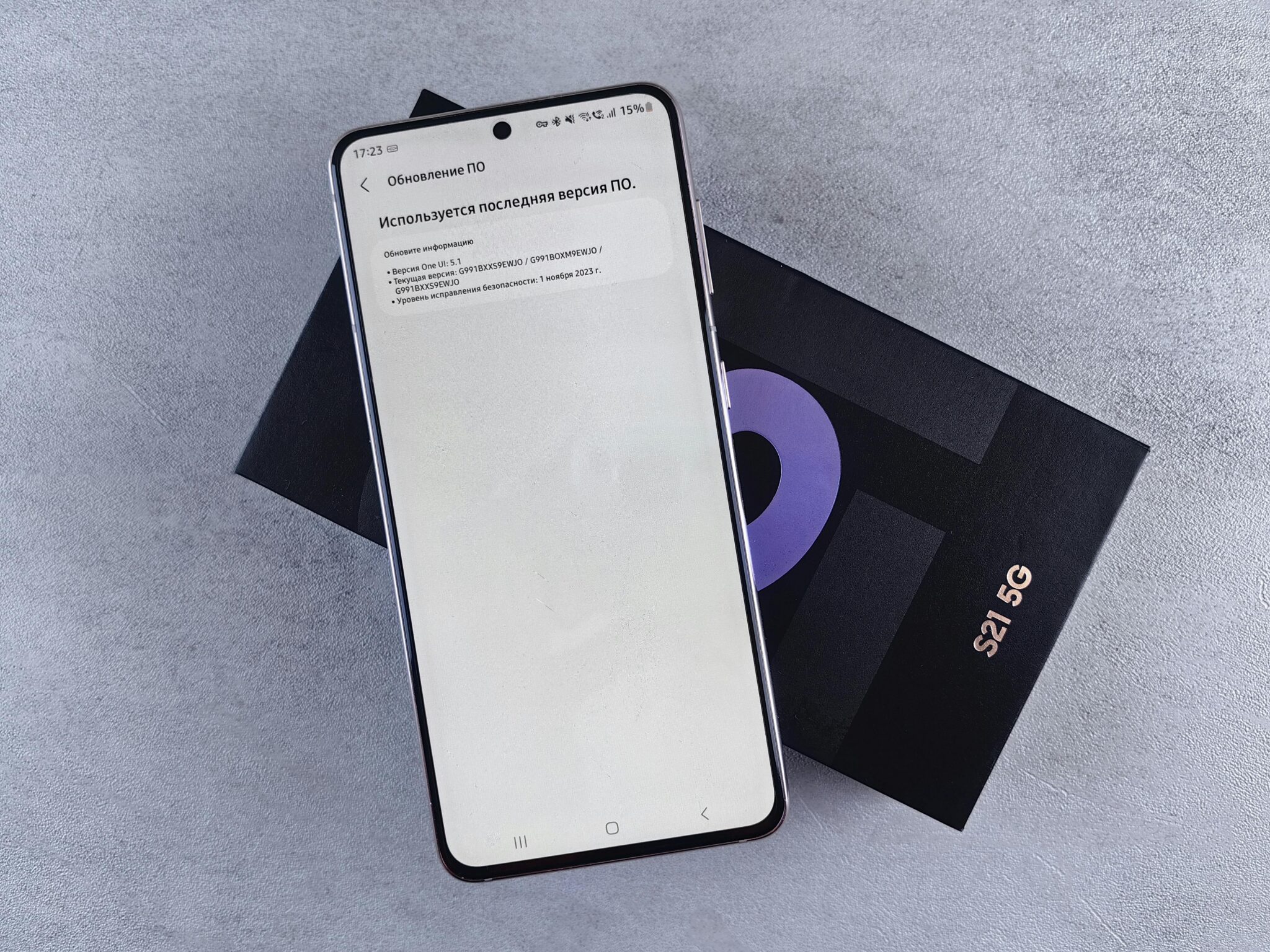
Software updates play a critical role in 5G performance. Manufacturers regularly release updates that improve 5G connectivity, fix bugs, and enhance battery optimization. Check for system updates in your settings menu and install any available updates, as these often include carrier-specific improvements for 5G networks.
Airplane Mode Reset Technique
When experiencing connectivity problems, try toggling Airplane Mode on and off. This forces your phone to disconnect from all networks and reconnect, which can resolve temporary connection issues. Swipe down from the top of your screen to access quick settings, tap the airplane icon, wait 10-15 seconds, then tap it again to reconnect.
Network Settings Reset
If problems persist, resetting your network settings can resolve deeper configuration issues. On iPhone, go to Settings > General > Transfer or Reset iPhone > Reset > Reset Network Settings. On Android, navigate to Settings > System > Reset Options > Reset Wi-Fi, Mobile & Bluetooth. Note that this will erase saved Wi-Fi passwords and Bluetooth pairings, so you’ll need to reconnect to those networks afterward.
🔋 Managing Battery Life While Using 5G
One of the most significant concerns users have about 5G is its impact on battery life. 5G connectivity, particularly mmWave 5G, does consume more power than 4G LTE. However, with proper management, you can enjoy 5G speeds without dramatically reducing your phone’s battery endurance.
Modern smartphones include intelligent power management features specifically designed for 5G. Apple’s 5G Auto mode and similar features on Android devices automatically switch to 4G when 5G isn’t necessary, such as when you’re not actively using data-intensive applications.
Consider using 5G selectively based on your activities. Enable it when you need maximum speed for downloads, streaming high-quality content, or video conferencing, but switch to LTE for basic tasks like messaging, email, or social media browsing where the speed difference is negligible.
Location also matters significantly for battery consumption. In areas with weak 5G signals, your phone works harder to maintain connectivity, draining the battery faster. If you notice excessive battery drain, check your signal strength and consider manually switching to LTE in areas with poor 5G coverage.
📊 Testing Your 5G Connection Speed and Performance
After successfully enabling 5G on your device, you’ll naturally want to verify that you’re getting the speeds you expect. Testing your connection provides valuable insights into your network performance and helps identify potential issues.
Several reliable speed test applications can measure your 5G performance accurately. Popular options include Speedtest by Ookla, FAST by Netflix, and carrier-specific speed test apps. When conducting tests, ensure you’re in a location with confirmed 5G coverage and that your phone’s status bar displays the 5G indicator.
For accurate results, run multiple tests at different times of day and in various locations. 5G speeds can vary dramatically based on network congestion, your distance from cell towers, physical obstacles, and even weather conditions. Morning tests might show different results than evening tests when more people are using the network.
Real-world 5G speeds typically range from 100 Mbps to 900 Mbps for sub-6GHz networks, while mmWave 5G can reach speeds of 1-4 Gbps in ideal conditions. If your speeds are consistently below 100 Mbps on 5G, contact your carrier to troubleshoot potential issues with your account or local network infrastructure.
🛡️ Security Considerations for 5G Networks
While 5G offers impressive performance improvements, it’s essential to maintain security awareness when using these networks. 5G technology includes enhanced security features compared to 4G, but users still need to practice good digital hygiene.
5G networks implement stronger encryption protocols and improved authentication mechanisms that make them more resistant to certain types of attacks. However, the increased number of connected devices and the speed of data transmission also create new potential vulnerabilities that users should understand.
Always ensure your device’s operating system and apps are updated to the latest versions, as these updates often include security patches specific to 5G connectivity. Use VPN services when accessing sensitive information, even on 5G networks, and be cautious when connecting to public or unfamiliar networks.
🌟 Maximizing Your 5G Experience
Once you’ve successfully enabled 5G and verified it’s working correctly, you can start taking advantage of the enhanced capabilities this technology offers. 5G opens up possibilities that were impractical or impossible on 4G networks.
Cloud gaming services like Xbox Cloud Gaming, GeForce Now, and Stadia perform significantly better on 5G connections. The reduced latency and increased bandwidth minimize lag and allow for higher-quality streaming, creating a console-like gaming experience on your mobile device.
Video conferencing quality improves dramatically on 5G networks. Apps like Zoom, Google Meet, and Microsoft Teams can maintain higher resolution video streams with fewer drops and interruptions. The reduced latency also makes conversations feel more natural, with less awkward delay between speakers.
Augmented reality applications benefit enormously from 5G’s capabilities. AR navigation, shopping experiences, and educational apps work more smoothly with the increased bandwidth and reduced latency that 5G provides. This technology will become increasingly important as AR becomes more mainstream.
🔄 When to Switch Between 5G and LTE
Understanding when to use 5G versus LTE can help you optimize both performance and battery life. While 5G is generally superior, there are situations where manually switching to LTE makes practical sense.
In rural or suburban areas where 5G coverage is spotty, your phone might constantly search for 5G signals, draining the battery without providing significant performance benefits. In these situations, manually selecting LTE can improve battery life while maintaining reliable connectivity.
When battery life is critical and you don’t need maximum speeds, switching to LTE is a smart strategy. LTE provides more than adequate speed for most everyday tasks while consuming significantly less power, potentially extending your battery life by several hours.
For activities that don’t require high bandwidth, such as text messaging, email, social media browsing, or listening to music streaming at standard quality, LTE performance is virtually indistinguishable from 5G while being more battery-efficient.
📅 Future-Proofing Your 5G Setup
5G technology continues to evolve rapidly, with carriers constantly expanding coverage and improving network infrastructure. Staying informed about these developments helps ensure you’re always getting the best possible performance from your device.
Monitor your carrier’s announcements about network upgrades in your area. Many carriers are transitioning from non-standalone 5G (which relies on 4G infrastructure) to standalone 5G (which uses dedicated 5G infrastructure), offering improved performance and reliability.
Keep your device’s carrier settings updated. These updates, different from standard operating system updates, optimize your phone’s connectivity with your specific carrier’s network. Most devices check for these updates automatically, but you can manually check in your settings menu under “About Phone” or “General.”
Consider your upgrade cycle in relation to 5G technology development. If you’re planning to purchase a new phone, research which 5G bands it supports and verify those bands are deployed or planned in your area. Mid-band 5G (particularly C-band in the US) represents the best balance of coverage and performance for most users.
💡 Understanding 5G Network Indicators and What They Mean
Your phone’s status bar displays various 5G-related indicators that provide information about your current connection. Understanding these symbols helps you know exactly what type of 5G service you’re accessing.
The standard “5G” indicator means you’re connected to a 5G network, but this could be low-band 5G with speeds only marginally better than 4G. The “5G+” or “5G UW” (Ultra Wideband) indicators signify connection to faster mid-band or mmWave 5G networks with significantly higher performance capabilities.
Some carriers use “5GE” (5G Evolution) indicator, which is actually advanced 4G LTE rather than true 5G. If you see this indicator, you’re not connected to a 5G network despite the labeling. This marketing terminology has caused confusion among consumers about actual 5G connectivity.
The 5G indicator might disappear periodically as your phone switches between 5G and 4G based on signal strength and network conditions. This is normal behavior, especially in areas where 5G coverage is still being expanded. The switching is designed to maintain the best possible connection without interruption.
🎯 Making the Most of Your Unlocked 5G Connection
Successfully enabling 5G on your smartphone opens a world of enhanced mobile experiences. From lightning-fast downloads to seamless video streaming and responsive cloud gaming, 5G technology delivers on its promise of transformative connectivity when properly configured and optimized.
Remember that 5G deployment is an ongoing process. Coverage areas continue to expand, network infrastructure improves regularly, and device capabilities evolve with each new generation of smartphones. By staying informed and maintaining your device properly, you ensure you’re always positioned to take advantage of the latest developments in mobile connectivity.
The steps outlined in this guide provide everything you need to activate, troubleshoot, and optimize your 5G experience. Whether you’re using an iPhone or Android device, understanding these principles helps you maximize the return on your investment in 5G technology while managing practical considerations like battery life and network availability.
As 5G networks mature and expand, the difference between enabled and disabled 5G will become increasingly significant. Taking the time now to properly configure your device ensures you’re ready to experience the full potential of next-generation mobile connectivity. Welcome to the 5G era—your smartphone is now ready to deliver the speed, responsiveness, and capabilities that define the future of mobile communications.
