
Anúncios
Unlock the full potential of your smartphone by enabling 5G connectivity and experience ultra-fast internet speeds like never before.


The arrival of 5G technology has revolutionized mobile connectivity, offering download speeds up to 100 times faster than 4G networks. However, many smartphone users aren’t aware that their devices may not automatically connect to 5G networks, even when they’re in coverage areas. Understanding how to properly enable and optimize 5G on your device can transform your mobile experience, from streaming high-definition content without buffering to enjoying seamless video calls and lightning-fast downloads.
Whether you’ve just purchased a new 5G-enabled smartphone or you’re wondering why your current device isn’t connecting to the faster network, this comprehensive guide will walk you through everything you need to know. From checking device compatibility to adjusting network settings and troubleshooting common issues, you’ll discover practical steps to unlock the full power of next-generation mobile connectivity. 📱
Understanding 5G Technology and Its Benefits
Fifth-generation wireless technology represents a quantum leap in mobile communications. Unlike its predecessors, 5G doesn’t just offer incremental improvements—it fundamentally transforms what’s possible with mobile devices. The technology operates on three distinct frequency bands: low-band, mid-band, and high-band (mmWave), each offering different balances of speed, coverage, and penetration capabilities.
Low-band 5G provides extensive coverage similar to 4G but with moderately improved speeds. Mid-band strikes an excellent balance between speed and coverage, delivering noticeably faster performance across wider areas. High-band 5G, or millimeter wave, offers mind-blowing speeds exceeding 1 Gbps but works best in densely populated urban environments with direct line-of-sight to towers.
The practical benefits extend far beyond faster download speeds. Reduced latency—often under 20 milliseconds—makes real-time applications like cloud gaming and augmented reality experiences smooth and responsive. Network capacity improvements mean better performance even in crowded areas like stadiums or concerts where 4G networks typically struggle. ⚡
Checking If Your Smartphone Supports 5G
Before attempting to enable 5G, you need to verify that your device actually supports the technology. Not all smartphones released in recent years include 5G capability, and even among those that do, support varies by model and regional variant.
Start by checking your phone’s specifications in the settings menu. On most Android devices, navigate to Settings > About Phone > SIM Status or Network Information. Look for entries mentioning 5G, NR (New Radio), or specific 5G bands. iPhone users running iOS 14 or later can check by going to Settings > Cellular > Cellular Data Options—if you see a 5G option, your device supports it.
You can also verify compatibility by checking the manufacturer’s official website or the documentation that came with your device. Search for your exact model number and review the technical specifications section. Keep in mind that some phone models have different variants for different markets—a device sold in one country might support 5G while the same model name in another region might not.
Verifying 5G Network Availability in Your Area
Having a 5G-capable phone means nothing without access to a 5G network. Carrier coverage varies dramatically by location, with urban centers typically receiving priority deployment while rural areas may wait years for comprehensive coverage.
Visit your mobile carrier’s website and locate their coverage map tool. Most providers offer interactive maps where you can enter your address or zip code to see available network types. These maps typically use different colors to indicate 4G LTE, 5G, and 5G Ultra Wideband or similar premium tiers. Remember that indoor coverage often differs from outdoor availability, especially for high-band 5G signals that struggle to penetrate buildings.
Consider downloading network testing applications that can identify the specific type of 5G signal available in your area. These tools provide real-time information about signal strength, network type, and even which specific frequency bands your device is connecting to. This information becomes invaluable when troubleshooting connectivity issues or determining whether you’re actually connected to 5G versus enhanced 4G networks. 🗺️

Ensuring Your SIM Card and Plan Support 5G
A surprisingly common obstacle to 5G connectivity is an incompatible SIM card or service plan. Older SIM cards may lack the necessary provisioning to authenticate on 5G networks, while budget or legacy plans might not include 5G access even if your hardware supports it.
Contact your carrier’s customer service or visit a retail location to verify whether your current SIM card is 5G-ready. Many carriers began issuing 5G-compatible SIM cards around 2019-2020, so if your SIM is older than that, you’ll likely need a replacement. The good news is that most carriers provide free SIM card upgrades—you just need to request one and activate it following their instructions.
Review your service plan details carefully. Some carriers automatically include 5G access with all plans, while others reserve it for premium tiers or charge additional monthly fees. Budget prepaid plans, in particular, may exclude 5G even when using compatible hardware and SIM cards. If necessary, consider upgrading to a plan that explicitly includes 5G access to take full advantage of your device’s capabilities.
Step-by-Step Guide to Enable 5G on Android Devices
Android devices from different manufacturers have slightly varying paths to enable 5G, but the general process remains consistent across most modern smartphones. Begin by unlocking your device and opening the Settings application from your app drawer or notification shade.
Navigate to Network & Internet or Connections (the exact wording depends on your manufacturer). Tap on Mobile Network or SIM Cards, then select your active SIM if your device supports dual SIM functionality. Look for an option labeled Preferred Network Type, Network Mode, or similar terminology.
Within this menu, you should see various options including 5G, LTE/4G, 3G, and 2G in different combinations. Select the option that includes 5G—common labels include “5G/LTE/3G/2G (auto connect),” “5G On,” or “5G/4G/3G/2G (automatic).” Once selected, your device will automatically search for available 5G networks and connect when signal strength is sufficient. 🔧
Some Android manufacturers offer additional 5G customization options. Samsung devices, for example, provide separate settings for 5G usage during video calls and data-intensive applications. Google Pixel phones include a “5G Auto” mode that intelligently switches between 5G and 4G to balance speed and battery life, alongside a “5G On” mode that maintains 5G connectivity whenever possible.
Step-by-Step Guide to Enable 5G on iPhone
Apple simplified 5G management on iPhones with intuitive settings that balance performance and battery conservation. To enable 5G on your iPhone 12 or newer model, open the Settings app and tap on Cellular or Mobile Data, depending on your region.
Select Cellular Data Options, then tap on Voice & Data. You’ll see several network options: 5G Auto, 5G On, and LTE. The “5G Auto” setting is Apple’s default recommendation—it intelligently switches between 5G and 4G based on network conditions and whether the speed difference would provide noticeable benefits for your current activity.
Choosing “5G On” forces your iPhone to use 5G whenever available, even when 4G would provide sufficient speed for your current task. This maximizes performance but may reduce battery life more quickly. The LTE option disables 5G entirely, which can be useful when conserving battery or troubleshooting connectivity issues. Most users find “5G Auto” provides the best experience, but power users who prioritize speed above all else often prefer “5G On.” 🍎
Additionally, ensure that Data Mode is set appropriately. Within the same Cellular Data Options menu, you’ll find Data Mode with choices including Allow More Data on 5G, Standard, and Low Data Mode. Selecting “Allow More Data on 5G” enables higher-quality video streaming and FaceTime calls when connected to 5G networks, taking full advantage of the increased bandwidth.
Optimizing 5G Settings for Better Performance
Simply enabling 5G doesn’t guarantee optimal performance. Fine-tuning various settings can significantly enhance your experience while managing battery consumption and data usage effectively. Start by reviewing which apps are allowed to use mobile data, restricting background data access for applications that don’t require constant connectivity.
Consider using adaptive connectivity features offered by many modern smartphones. These intelligent systems monitor signal strength, battery level, and current usage patterns to automatically switch between 5G and 4G. This prevents your phone from desperately clinging to weak 5G signals that drain battery and provide slower actual speeds than a strong 4G connection would deliver.
For Android users, enabling Developer Options provides access to advanced network settings. After activating Developer Mode (usually by tapping the Build Number seven times in About Phone), scroll through the Developer Options menu to find settings related to 5G network searching and connection management. Adjusting these parameters requires some technical knowledge but can resolve persistent connectivity issues. 🛠️
Troubleshooting Common 5G Connection Issues
Even with everything properly configured, you might encounter situations where 5G connectivity fails or performs poorly. Understanding common issues and their solutions helps you quickly restore optimal performance without frustration.
If your phone shows 5G in the status bar but internet speed seems slow, you might be connected to low-band 5G that offers only marginally better performance than 4G. Try moving to a different location or temporarily switching to LTE-only mode to compare actual speeds. Sometimes a strong 4G signal outperforms a weak 5G connection.
Persistent connection drops often result from incorrect APN (Access Point Name) settings. Contact your carrier for the correct APN configuration specific to 5G service. Navigate to your mobile network settings, select Access Point Names, and either modify your existing APN or create a new one using the carrier-provided details. Incorrect APN settings can prevent 5G authentication even when all other configurations are correct.
Network congestion during peak hours can also degrade 5G performance. Unlike 4G, where carriers had years to optimize capacity management, 5G networks are still maturing. If you experience consistent slowdowns during specific times of day, this might be a temporary limitation that improves as carriers expand infrastructure. 📊
Managing Battery Life While Using 5G
The most frequent complaint about 5G connectivity involves accelerated battery drain. The technology’s power requirements, particularly when switching between different frequency bands, can significantly reduce battery longevity compared to 4G usage.
Implement strategic approaches to balance 5G benefits with acceptable battery performance. Use your phone’s adaptive or automatic 5G mode whenever available—these intelligent systems activate 5G only when applications would meaningfully benefit from the increased speed. For routine tasks like messaging, email, and social media browsing, 4G provides perfectly adequate performance while consuming considerably less power.
Consider manually disabling 5G during extended periods away from chargers when you’re performing tasks that don’t require maximum bandwidth. Most smartphone batteries will last significantly longer in LTE-only mode, making this a practical strategy for long workdays, travel, or outdoor activities. You can quickly re-enable 5G when needed for bandwidth-intensive tasks. 🔋
Background app activity contributes substantially to battery drain on 5G networks. Review your app settings and restrict background data access for applications that don’t require real-time updates. Social media apps, news aggregators, and streaming services are common culprits that continuously download content even when not actively in use.
Understanding Different 5G Variants and What They Mean
Not all 5G connections are created equal, and understanding the different designations helps set realistic expectations for performance. Carriers use various marketing terms that can be confusing, but they generally correspond to specific technical implementations.
Nationwide 5G, low-band 5G, or simply “5G” typically operates on frequencies below 1 GHz, offering extensive coverage similar to 4G but with modest speed improvements—often ranging from 50-250 Mbps. This represents the most widely available 5G service and provides reliable connectivity across large geographic areas, though it won’t deliver the dramatic speed increases that 5G promises.
Mid-band 5G, sometimes marketed as 5G Plus, 5G UW, or 5G UC depending on the carrier, operates on frequencies between 1-6 GHz. This offers the best balance between coverage and performance, with typical speeds ranging from 200-900 Mbps. Mid-band deployment is expanding rapidly and represents the most practical 5G experience for most users in urban and suburban environments.
High-band 5G, mmWave, or Ultra Wideband 5G delivers the spectacular multi-gigabit speeds that early 5G marketing emphasized. However, coverage remains limited to specific locations like stadiums, airports, and downtown districts in major cities. The extremely high frequencies used (24-40 GHz) provide minimal penetration through buildings and relatively short range from cell towers. 🚀
Security Considerations When Using 5G Networks
While 5G technology includes improved security features compared to previous generations, users should still maintain good security practices when connected to any mobile network. The 5G standard incorporates enhanced encryption and authentication protocols, but vulnerabilities still exist at the device and application levels.
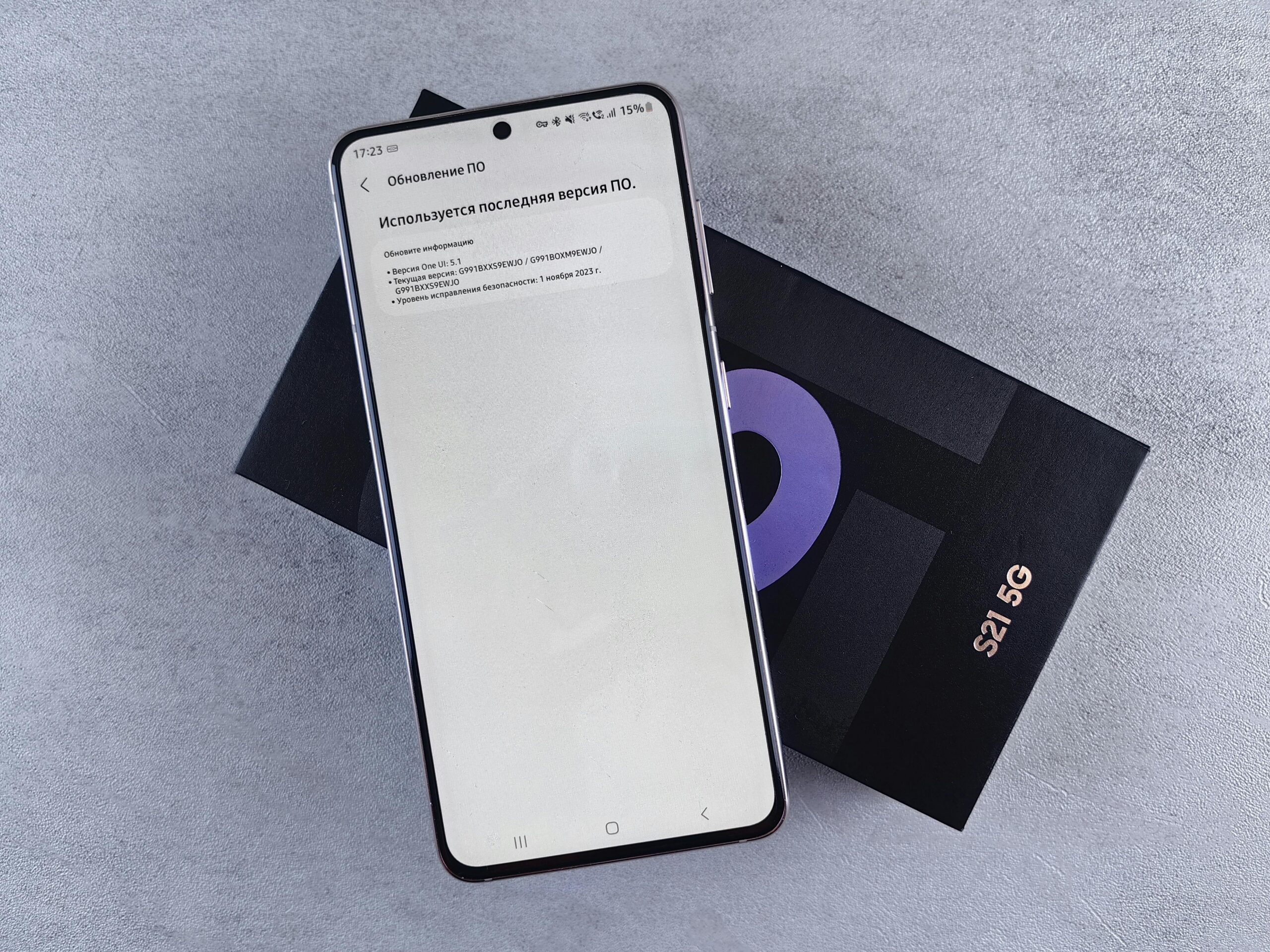
Always keep your device’s operating system and security patches current. Manufacturers regularly release updates that address newly discovered vulnerabilities, including those specific to 5G connectivity. Enable automatic updates if available, or manually check for updates at least monthly to ensure you’re protected against known threats.
Use VPN (Virtual Private Network) services when transmitting sensitive information, even over 5G connections. While 5G encrypts data between your device and the cell tower, your carrier can still see your browsing activity and the websites you visit. VPNs provide an additional encryption layer that protects your privacy from both your carrier and potential attackers on the network. 🔐
Future-Proofing Your 5G Experience
5G technology continues evolving rapidly, with new features and capabilities being deployed regularly. Staying informed about upcoming developments helps you maximize your investment in 5G-capable devices and plan for future connectivity needs.
Network slicing represents one of the most promising upcoming features, allowing carriers to create virtual networks optimized for specific use cases. Gaming-focused slices might prioritize low latency, while streaming slices emphasize consistent bandwidth. As this technology matures, you’ll likely see service plans that include access to specialized network slices for particular applications.
Standalone 5G (SA) networks, which don’t rely on 4G infrastructure for initial connections, are gradually replacing non-standalone (NSA) deployments. SA networks offer improved performance, lower latency, and access to advanced features that NSA networks cannot support. As carriers complete this transition, users with compatible devices will automatically benefit from the enhanced capabilities without needing to change settings. 🌟
Edge computing integration will bring processing power closer to users, reducing the already-low latency of 5G networks even further. Applications ranging from augmented reality to autonomous vehicle communication will leverage this capability, creating entirely new categories of mobile experiences that weren’t previously possible.
The evolution from 5G to eventual 6G networks may seem distant, but maintaining devices with the latest 5G capabilities ensures you’ll enjoy optimal performance for years to come. When upgrading phones, prioritize models with comprehensive 5G band support, including both sub-6 GHz and mmWave capabilities if available in your region, to maximize compatibility with current and future network deployments.
